10 Ways to Repurpose Your Webinar Content for Maximum ROI
Stop letting webinar content die after one use. Learn how to extract maximum value from every webinar with AI-powered transcription.

Emily Rodriguez
Content Strategy Director
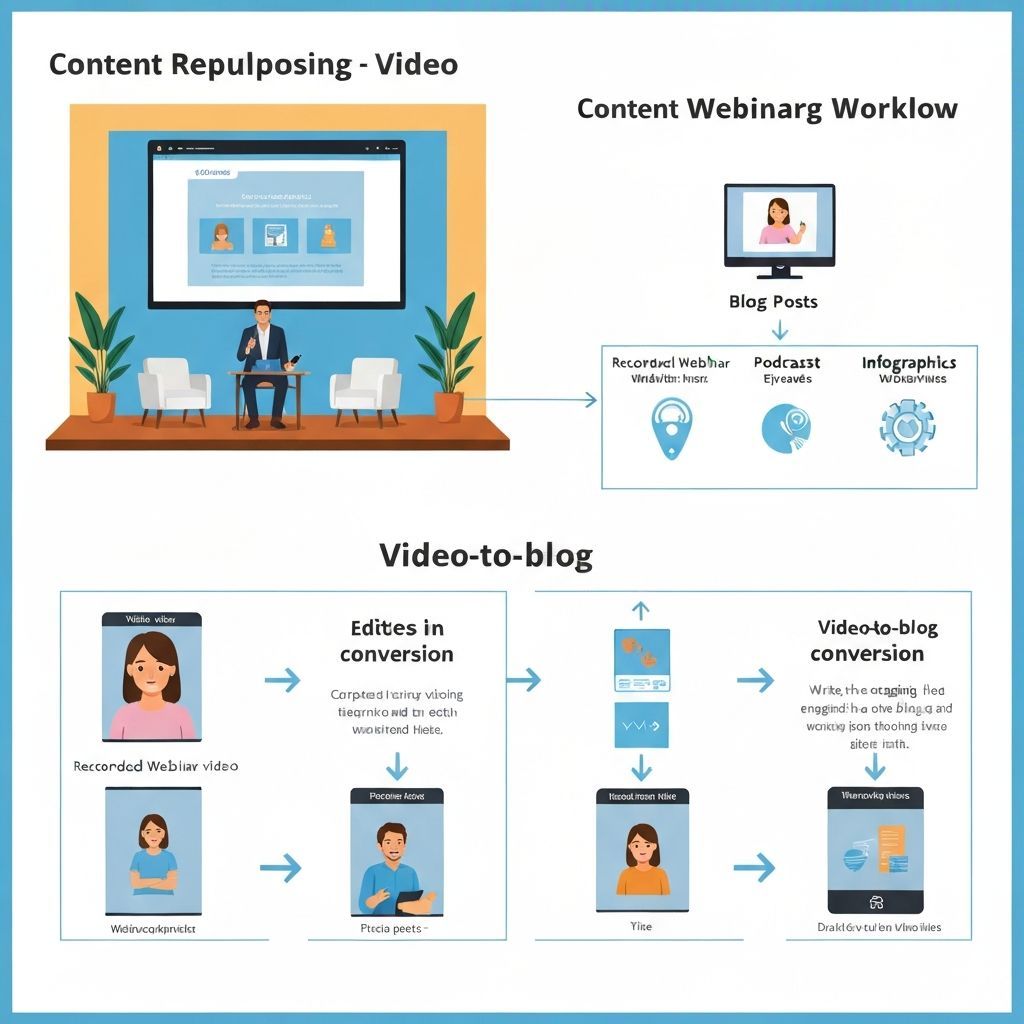
10 Ways to Repurpose Your Webinar Content
You spend weeks preparing a webinar. Hours on slides. Days on promotion. But after it airs... silence. Most companies let webinar content die. Don't be most companies.
The Webinar Content Goldmine
One 60-minute webinar contains:
- 8,000-10,000 words of content
- 10-20 quotable moments
- 5-10 visual slides
- 3-5 key takeaways
10 Repurposing Strategies
1. Blog Post Series
Turn your webinar into 3-5 blog posts:
- One post per main topic
- Include timestamps to video
- Add additional context
2. Social Media Clips
Extract 30-60 second clips:
- Key insights
- Quotable moments
- Q&A highlights
3. Email Newsletter Content
Create a recap email:
- Top 3 takeaways
- Link to full recording
- CTA to related content
4. Podcast Episode
Audio-only version:
- Clean up the audio
- Add intro/outro
- Distribute on podcast platforms
5. Infographic
Visualize key points:
- Statistics mentioned
- Process diagrams
- Comparison charts
6. Slide Deck on SlideShare
Repurpose presentation:
- Add context to slides
- Include speaker notes
- Optimize for search
7. FAQ Documentation
Extract Q&A:
- Organize by topic
- Add to knowledge base
- Use for sales enablement
8. Training Material
Create internal resources:
- Onboarding content
- Team training
- Process documentation
9. Sales Collateral
Build sales assets:
- Customer testimonials
- Product demos
- Case study snippets
10. Gated Content
Create lead magnets:
- "Ultimate Guide" PDF
- Checklist from presentation
- Template based on content
How Video Transcriptor Helps
- Upload webinar recording
- Get instant transcript
- Review AI-generated chapters
- Export in multiple formats
- Use AI to identify key moments
Calculate Your ROI
One webinar repurposed = 10+ pieces of content Time to repurpose with AI = 2 hours Value generated = Weeks of content
Start Repurposing Today
Upload your next webinar to Video Transcriptor and multiply your content output.
Related modules
Related articles
AI-Powered Competitor Research: The Complete Guide for 2024
Learn how to use AI tools to analyze competitor websites, extract insights, and build a knowledge base that gives you an unfair advantage in your market.
How to Analyze Competitor Ads with AI: Extract Winning Formulas
Discover how AI image analysis can decode competitor ad creatives, identify patterns, and help you create higher-performing ads.
Video Content Strategy: How Transcription Unlocks Hidden Insights
Transform your video content strategy by analyzing transcripts. Extract topics, identify gaps, and repurpose content across channels.